
Complete guide
Online Ticketing: The Definitive Guide for Event Organizers [2026]
Everything you need to know before choosing an online ticketing platform: costs, fees, payment processing, check-in, data privacy and how to pick the right tool. A practical guide for event organizers.

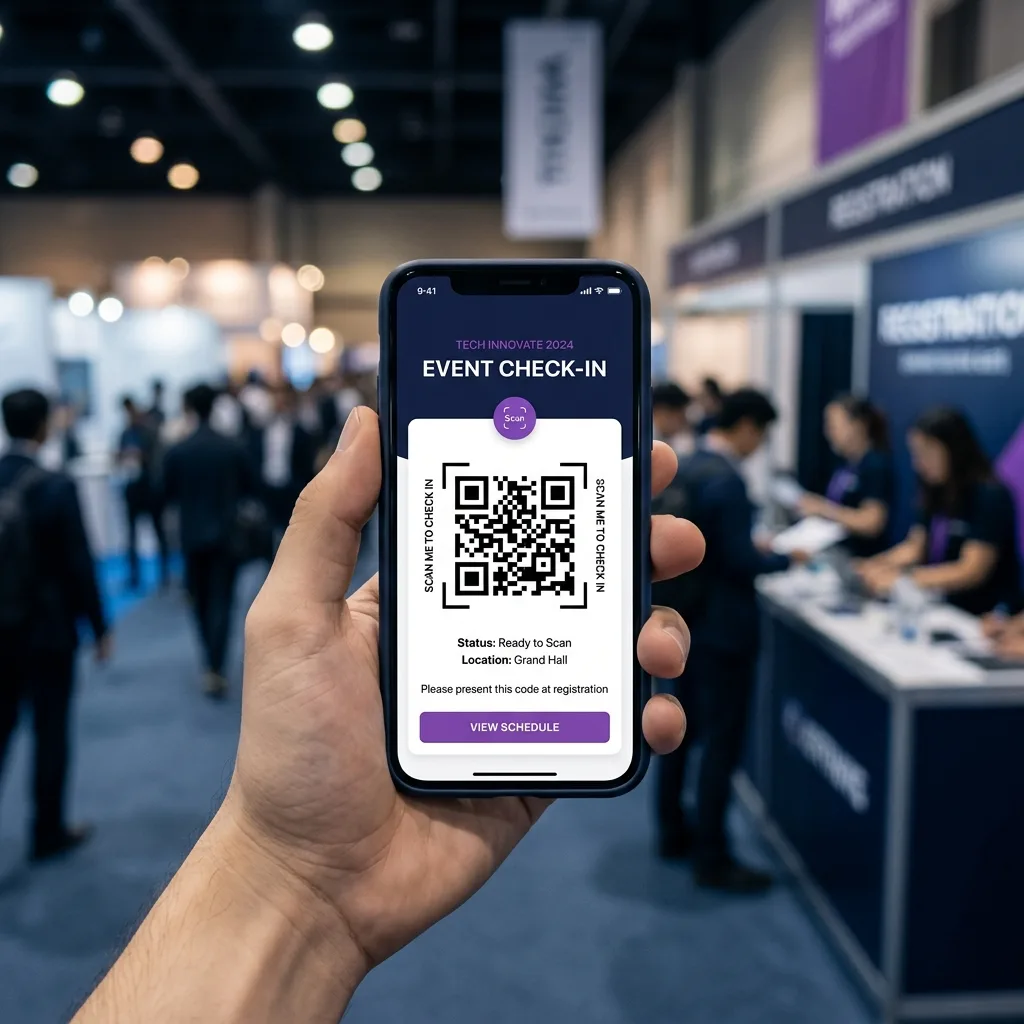
In short: an effective online ticketing platform combines a registration page, payment collection via a processor such as Stripe, digital check-in, a real-time dashboard and post-event management. The real cost isn’t the platform subscription: it’s the hidden fees, the time lost at check-in and the mistakes that wreck the night. This guide explains how to weigh all of that before you sign.
What an online ticketing platform actually is
An online ticketing platform is a software-as-a-service (SaaS) tool that lets an event organizer sell tickets or manage registrations over the web, collect payments, send automatic confirmations and control attendee access on the day of the event.
It’s not just “a form + PayPal”: a serious tool covers the entire event lifecycle — from building the public page through to post-event reporting — and replaces dozens of hours of manual work on spreadsheets, copy-pasted emails and check-in done with a marker pen.
Modern platforms serve five main categories of organizer:
- Training events (courses, masterclasses, workshops, corporate conventions)
- Cultural events and shows (concerts, theatre, exhibitions, festivals)
- Conferences and B2B (trade fairs, summits, networking events, product launches)
- Associations and non-profits (fundraisers, social dinners, member activities)
- Internal corporate events (kick-offs, team building, award ceremonies)
If you run even one of these event types more than twice a year and have more than 50 participants each time, a dedicated platform pays for itself on the first event — often sooner.
The 7 components of a good ticketing platform
Every platform tells the same story in its marketing. The real difference is in the operational details. These are the seven modules you should check one by one before you choose.
1. Public registration page
This is the landing page your participant sees before they pay. Check for:
- Custom domains (
events.mysite.com) or removable branding - Customizable form fields (dietary needs, t-shirt size, marketing consent)
- Discount codes and restricted access lists
- Mobile-first design: over 70% of registrations now come from smartphones
For a deeper look at how to design a page that maximizes your conversion rate, see the guide to building an event registration page that converts.
2. Payments
The economic heart of the system. Check which payment processor (PSP) is used — Stripe, PayPal, Adyen or a local gateway. The key differences:
- Stripe is the de facto B2B standard: setup in 10 minutes, transparent fees (around 1.5% + €0.25 on European cards, varying by region), native support for Apple Pay and Google Pay.
- Aggregator platforms (like Eventbrite) add their own margin on top of the underlying processor — so you effectively pay twice.
- Watch out for strong customer authentication: in regions that require it (for example the EU under PSD2), the processor must support 3D Secure 2.0 automatically, otherwise you’ll see a failure rate above 30%.
3. Time-slot management
If your event has staggered entry (guided tours, courses with shifts, seated dinners), this feature isn’t a “nice to have”: it’s the difference between an orderly queue and thirty people complaining in 15 minutes. Check that the platform allows:
- Capacity limits per individual slot
- Configurable overbooking to manage no-shows
- Automatic notifications when a slot opens up
For an operational deep dive on sizing capacity, managing no-shows and choosing booking models, see the guide to managing event time slots.
4. Bulk import
Essential for repeat events or migrations from older systems. You need to be able to upload a CSV of 2,000 participants with email, name and custom data, and automatically generate tickets, QR codes and confirmations. Without this feature, you’re stuck at 500 participants.
5. Automated communications
Confirmation emails, automatic reminders (24h before, 1h before), post-event notifications for feedback and upsells. Check for:
- Customizable templates with variables (name, ticket, inline QR)
- Configurable time-based triggers
- Privacy compliance: separate explicit consent for marketing, one-click unsubscribe
6. Digital check-in
The operation of the event day lives or dies here. Evaluate:
- Hardware: do you need a dedicated QR scanner, or is your staff’s smartphone enough?
- Multi-station: several staff members must be able to scan simultaneously without duplicating a check-in
- Real-time sync to prevent the same ticket from being used twice at two different stations
- Offline mode: if the area has no connection (a warehouse, a marquee, a stadium), the app must handle a local queue and sync afterward
For an operational deep dive on this step, read our hands-on guide to smartphone check-in.
7. Dashboard and reporting
After the event you need to know: how many sales, traffic sources, conversion rate by channel, no-show rate, average feedback. A serious dashboard exports to CSV/Excel and integrates UTM tags to track your Meta or Google Ads campaigns.
How to choose: 8 practical criteria
A pricing comparison table is useless if you don’t know what to look for. These are the criteria, ranked by their real impact on the experience.
| # | Criterion | Operational question |
|---|---|---|
| 1 | Pricing model | Fixed subscription or commission? At what monthly volume does the first beat the second? |
| 2 | Cost transparency | Is there a hidden fee charged to the participant that the organizer doesn’t see? |
| 3 | Payment processor | Is it a direct processor like Stripe, or an aggregator that keeps a margin? |
| 4 | Domain/branding | Can I use my own domain? Can I hide the platform’s brand? |
| 5 | Check-in hardware | Does it need dedicated hardware, or is a smartphone enough? How many devices in parallel? |
| 6 | Data privacy/DPA | Does it provide a signed DPA? Where is data hosted, and under what safeguards? |
| 7 | Support | Is there real-time support on the event day? In what language, on what channel? |
| 8 | Data export | Can I export all my data at any time without restrictions? |
Each criterion carries different weight depending on your context. A festival with 10,000 attendees in one night obsesses over criterion #5. A course for 40 people at €500 each lives or dies on #1 and #3 — commissions on high amounts are a huge hidden tax.
If you want a head-to-head comparison on these dimensions with the names on the market, I’ve put Eventbrite up against the strongest competitors in the guide to Eventbrite alternatives.
Real costs: commissions vs subscription
Let’s do the actual math. Imagine an organizer running 20 events a year, 150 average participants per event, average ticket €45.
Annual volume: 20 × 150 × €45 = €135,000 in GMV.
Scenario A — Commission-based platform at 6% charged to the participant:
- Total commission: €135,000 × 6% = €8,100/year
- Plus €0.99 fixed per ticket: 3,000 × €0.99 = €2,970
- Total cost: €11,070/year
Scenario B — Fixed subscription platform at €79/month + a direct processor:
- Subscription: 12 × €79 = €948
- Processing (around 1.5% + €0.25 per transaction): €135,000 × 1.5% + 3,000 × €0.25 = €2,025 + €750 = €2,775
- Total cost: €3,723/year
Annual saving: €7,347 — that’s the cost of a part-time employee for several months, just by switching ticketing systems. The break-even point between the two models sits around €25,000 in annual GMV: below that, the variable commission tends to win; above it, the fixed subscription pays off exponentially. Run the same calculation with your own numbers before you commit — our breakdown of event ticketing fees walks through every line item.
Legal and compliance basics
A few chapters not to underestimate. No platform shields you from the organizer’s legal responsibilities, and the exact rules depend on where you operate — so treat this as a checklist of questions to answer locally, not legal advice.
Rights and royalties for live music
If your event involves the public performance of protected music (concerts, parties with a DJ, shows with a soundtrack), most countries require you to clear performing rights through a collecting society and pay royalties based on takings and capacity. The ticketing platform supplies the underlying data (number of tickets sold, prices) but does not handle the licensing on your behalf. Check your local requirements well before the event.
Tax and invoicing
Selling tickets is a commercial transaction, so the usual tax and invoicing rules of your jurisdiction apply (VAT or sales tax, receipts, invoices on request). When comparing platforms, check whether they:
- Let you export participant and order data as CSV to feed into your accounting software
- Offer native integrations with invoicing or accounting tools
- Capture the billing details you need (company name, tax/VAT ID) at checkout
Confirm the specifics with your accountant or local tax authority.
Data privacy (GDPR and beyond)
Every participant’s personal data is regulated — by the GDPR in the EU/UK and by comparable laws in many other regions. The platform should:
- Act as a data processor under a signed DPA
- Host data in a jurisdiction you’re comfortable with, or apply recognized safeguards such as Standard Contractual Clauses for cross-border transfers (for example, when a US-based processor handles EU data)
- Allow data export and erasure on request within the timeframe your law requires
- Record granular consent for each marketing purpose
Payment integration
The payment processor isn’t a technical detail: it determines 80% of the participant’s payment experience. Four criteria to check:
- Acceptance rate: leading processors such as Stripe average a 95%+ acceptance rate thanks to anti-fraud machine learning. Lesser-known gateways can drop below 85%.
- Local payment methods: beyond cards, you’ll want Apple Pay and Google Pay, plus whichever wallets and bank-transfer options are popular in your target market (these vary a lot by country).
- Payout: how often do you receive the money? A direct processor is typically T+7 for the first month, then T+2. Aggregator platforms can hold funds for up to 30 days after the event.
- Disputes and chargebacks: who handles disputes? Who pays? Always read the “refunds and disputes” section in the platform’s terms.
Check-in: dedicated hardware vs smartphone
This is perhaps the most underrated decision. Up to five years ago, buying a professional QR scanner was a given. Not anymore.
Dedicated hardware (Honeywell EDA51, Zebra TC21, Zebra POS):
- Cost: €150–€450 per unit + device management configuration
- Pros: ruggedness, battery life, powerful laser scanner
- Cons: upfront cost, rapid obsolescence, staff training, stock management
Staff smartphones (web or native app):
- Hardware cost: zero (uses staff’s own devices)
- Pros: instant scalability (10 stations = 10 different smartphones), familiar UI, no setup
- Cons: shorter battery life, slightly slower scan speed on small QR codes
For events under 3,000 participants, the smartphone option is almost always better. Above that, it depends on access density: a stadium with 3 gates and 5,000 people in half an hour calls for dedicated hardware; a convention with 3,000 people spread over 3 hours handles it comfortably via smartphone.
Our bias: here at Ticketto we designed the platform specifically to turn a staff smartphone into a professional scanner. We don’t do it because we hate hardware — we do it because for the vast majority of organizers the total cost of ownership of a fleet of scanners simply isn’t justified.
The mistakes that cost you dearly
Years of fieldwork have taught us that the same six mistakes repeat themselves identically every time.
- Testing the platform on the day of the event itself. If the first live scan is the first real scan, you’ve already lost. There must have been a full rehearsal — test ticket, QR on a real smartphone, scan at the real gate — at least 48 hours beforehand.
- Not having a plan B for connectivity. Warehouses and marquees have unstable networks. Work with a platform that has a real offline mode (not “sync later”).
- Relying on the CSV as the source of truth. Anyone who exports a CSV in the morning and checks people in “by hand” on a tablet will miss last-minute updates (tickets sold on the day, name changes).
- Ignoring automatic reminders. Without a reminder 24h before, the typical no-show rate climbs by 15–25%. A reminder is the simplest and most profitable thing you can switch on.
- Not tracking UTMs. If you spend on Meta or Google Ads, you need to know which campaign sold which ticket. Without UTMs in the registration link, optimizing is blind.
- Having no public refund policy. Without a clear policy in your purchase terms, every refund becomes an individual negotiation over email, which burns hours.
For a wider view across corporate and professional events specifically, see our rundown of the most common corporate event mistakes.
Pre-go-live checklist
Print this checklist and sign off on each point once it’s verified.
- [ ] The public event link works on mobile and desktop
- [ ] The payment flow has been completed at least once with a real card (then refunded)
- [ ] The confirmation email arrives in <60 seconds and doesn’t land in spam
- [ ] The QR code opens correctly and reads on the first scan
- [ ] The 24h-before reminder is scheduled with the right copy
- [ ] Staff have received check-in credentials and done at least one test scan
- [ ] It’s clear who is responsible for connectivity at the gate (backup hotspot?)
- [ ] The refund policy is linked from the checkout
- [ ] The DPA with the platform is signed
- [ ] Any required performing-rights license has been arranged (if there’s live music)
- [ ] Participant data can be exported at any time
- [ ] You have a direct support contact at the platform for the event day
Planning a larger professional event? Pair this with our end-to-end corporate event checklist.
Conclusions
A ticketing platform isn’t a cost. It’s a multiplier of margin and experience quality. The point isn’t saving €50 a month: it’s making sure your night doesn’t hinge entirely on ten minutes of queueing at the gate or on an email that never arrives.
If you’re evaluating your first platform today (or switching because your current one falls short), I’d recommend downloading this guide’s checklist, running a pilot with a small event, and only then scaling up. It costs half a day’s work; it saves months of headaches. And once people are registered, our guide on how to promote an event helps you fill the room.
At Ticketto we make exactly this promise: a free month to test it, zero platform commissions on subscription plans, smartphone check-in with no hardware. Try Ticketto for free — you’ll create your first event in five minutes.