
Practical guide
How to Run Event Check-In with a Smartphone (No QR Scanners)
How to turn your staff's smartphones into a professional QR scanner for event check-in: prerequisites, an 8-step flow, offline mode and multi-station setups.

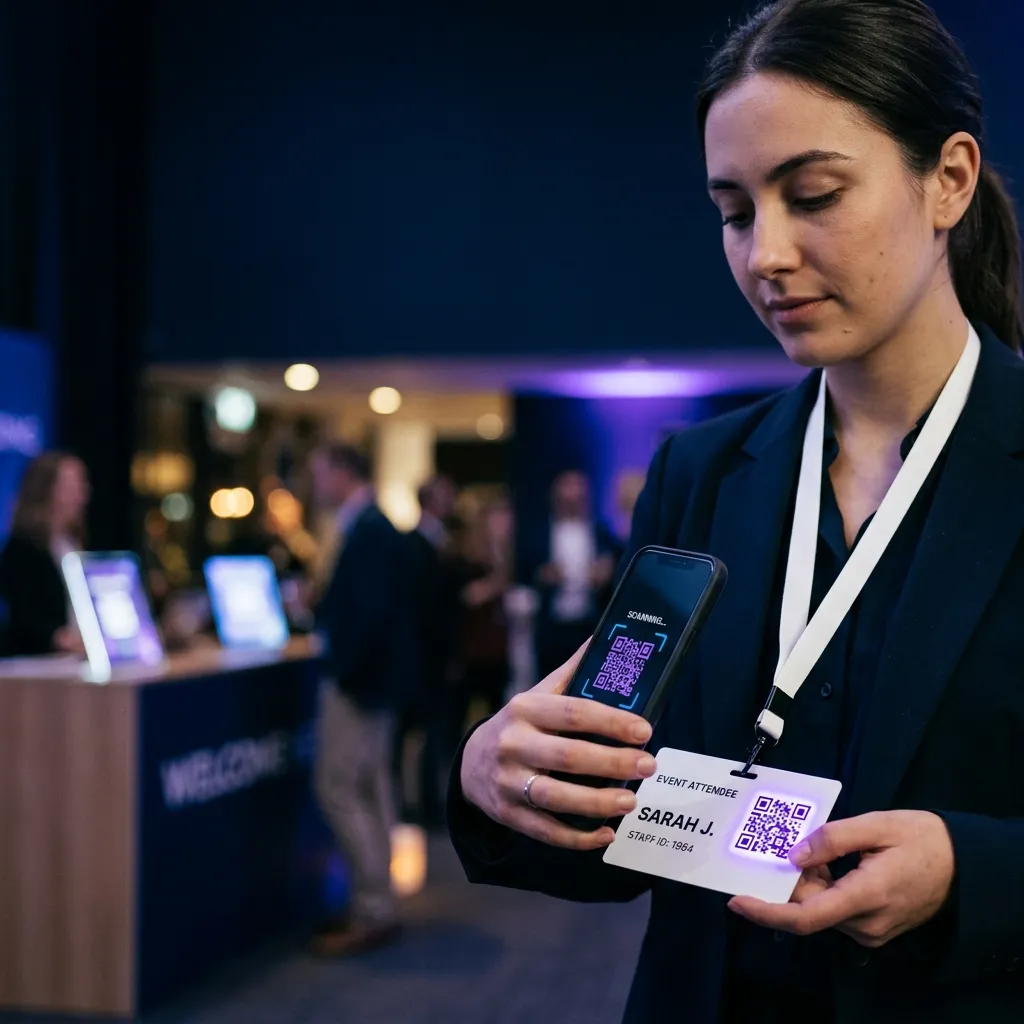
In short: a dedicated QR scanner costs €150–€400 per device and requires setup, training and stock management. Your staff’s smartphones do exactly the same job for 80% of events at zero cost. This guide explains when it’s genuinely worth it, how to organize the flow in practice, and which mistakes to avoid.
When smartphone check-in makes sense (and when it doesn’t)
Smartphone check-in is the most rational choice for the vast majority of events, but not for all of them. Getting clarity up front saves costly mistakes later.
When it’s perfect
- Events between 50 and 3,000 attendees
- Check-in spread over several hours (not everyone within 15 minutes)
- Staff made up of volunteers, occasional collaborators or in-house personnel
- Venues with at least partial Wi-Fi or a stable mobile network
When you need dedicated hardware
- Stadiums, arenas, large festivals with more than 5,000 people and peaks of 1,000+ entries/hour
- Industrial, dusty environments, or where the device is at risk of repeated drops
- Events that run for several continuous days (battery life becomes critical)
- Scenarios where staff also have to hold other objects (e.g. sports stewarding)
If you recognize yourself in the first group, read on. If you’re in the second, consider comparing platforms more focused on large-scale events — Weezevent in particular.
The operational prerequisites
Before you open the doors, three things need to be ready. Nothing technical, all common sense.
1. A platform that genuinely supports the smartphone flow. A generic app that reads QR codes isn’t enough: you need a platform that integrates ticket generation, anti-duplicate verification and the post-event report. If you want to dig into the evaluation criteria, we’ve written an online ticketing guide that covers the topic in detail.
2. Pre-briefed staff. Ten minutes of training on the morning of the event is enough: how to log in, how to scan, what to do if the QR won’t read, what to do in case of a duplicate. Don’t rely on the idea that “they’ll figure it out.” The worst moment to discover that staff don’t know what to do is when the queue is already long.
3. A plan B. Even premium smartphones run out of battery. You need: at least one backup device already logged in, a charger or power bank per station, and a printed copy of the attendee list as a last-resort manual fallback.
The flow in 8 steps
This is the standard operating sequence. With a well-designed platform, on the day of the event you run it without thinking.
Step 1 — Set up the event in the platform
Create the event, add time slots if applicable, customize the registration page. Every ticket sold automatically generates a unique QR code tied to the attendee.
Step 2 — Send tickets by email
Attendees receive a confirmation email with the QR inline (not as an attachment — it opens faster on a phone). In the subject line, recommend saving the QR to the device’s Wallet app.
Step 3 — Install the check-in app on staff devices
On the morning of the event, each staff member downloads the app (iOS, Android or progressive web app) and logs in with a shared event staff account. On Ticketto the web app requires no installation: just open checkin.ticketto.it in the browser.
Step 4 — Assign the station
Each staff member takes a position at one of the access gates. If there’s more than one gate, the platform syncs check-ins in real time so no ticket gets through twice.
Step 5 — Scan the QR on arrival
When the attendee arrives, they show the QR from their smartphone or printed ticket. Staff frame the code with the camera. Typical response time: 800ms. The platform shows the name, the ticket purchased, and any notes (allergies, time slot).
Step 6 — Handle edge cases
- Ticket already used: red warning, staff ask for clarification. It isn’t always fraud: it could be a re-entry after a break.
- Ticket not found: the app offers a search by name or email. Check that the attendee used the same email.
- Attendee without a QR: manual check-in from the list. Verify identity with an ID document.
Step 7 — Monitor the flow in real time
The organizer has a dashboard showing check-ins/minute, attendance rate against sales, and no-shows by time slot. It’s useful for deciding whether you need an extra staff member at the gate, or whether you can open the buffet early.
Step 8 — Close the session and export the report
At the end of the event: the app does a final sync and the report is downloadable as CSV. It contains the check-in time for every attendee, any errors, and the final comparison against the registration list.
Multi-station with no overlaps
The thing that scares most organizers is the idea that multiple staff working in parallel could scan the same ticket twice. Justified fear, but technically solved: any serious platform has real-time cloud sync. When a QR is scanned on device A, within 1–2 seconds device B already knows. If B tries again, it gets the red block.
Two operational precautions:
- All stations logged into the same event (not different accounts for the same night — a classic trap)
- Dedicated Wi-Fi or a mobile network with 4G coverage. Syncing over slow 3G can introduce a 3–5 second lag that, during peaks, opens the window to a duplicate.
Offline mode: warehouses, marquees, outdoor events
Some venues don’t have a stable connection. Industrial warehouses, tensile structures, rural areas, cellars. In these cases a real offline mode is essential.
“Real” means the platform:
- Prefetches the ticket list while the device is connected
- Handles scanning 100% locally on the device
- Flags duplicates by comparing against the local cache (not the cloud)
- Syncs everything as soon as the network reappears
Some platforms market as “offline” solutions that actually break on the first scan without a connection. Test method: before you sign, ask for a demo in airplane mode — it’s the only way to tell honesty from marketing.
The mistakes that cost you dearly
After following dozens of events up close, these are the six mistakes that keep coming up.
- Not running a test scan 48 hours ahead. The test QR has to be scanned on the actual staff smartphone, not just on the founder’s phone.
- Forgetting to charge the device the day before. Sounds obvious, happens at one event in three.
- Having a single staff account with no backup credentials. If the account gets locked, the whole event gets locked.
- Not telling attendees to have their QR ready on arrival. A reminder email the day before with “keep your QR saved in Apple/Google Wallet” cuts gate times by 30%.
- Positioning staff where there’s backlight. A camera pointed into the sun takes 2–3x longer to focus on the QR. Check the light at the gate the day before.
- Not having a clear policy for expired or refunded tickets. If a ticket has been refunded but the attendee shows up anyway, staff need to know exactly what to do (in most cases: don’t let them in, show the refund confirmation email).
The real cost: hardware vs. smartphone
A typical comparison for a standard 1,000-attendee event with 3 check-in stations.
| Item | Dedicated hardware | Staff smartphone |
|---|---|---|
| Device (3 units) | €450–€1,200 (purchase) | €0 (already owned) |
| Software licenses | €0–€200/year | included in the platform fee |
| Staff training | 2 hours | 10 minutes |
| Stock management | required | not applicable |
| Average battery life | 8–12 hours | 4–8 hours (€20 power bank) |
| Total cost, 1st event | €450–€1,200 | €60 (3 power banks) |
For events under 3,000 attendees, the difference is €400–1,000 of margin per event. Over 10 events a year, that’s the cost of two trips or two months of marketing.
Conclusion
Smartphone check-in isn’t a shortcut: it’s the technically better option for the vast majority of events. Lower costs, the same speed, instant scalability. The only condition is having a platform that handles it seriously, not as a marketing add-on.
Ticketto is built around this choice. If you want to see how it works on a real event, try Ticketto for free — you create your first event in five minutes and can test check-in with a sample ticket before committing.
If you’re still evaluating the right platform for your case, you might also find our roundup of Eventbrite alternatives useful.